


Which UK Brokers Run MetaTrader Best?
Broker implementation varies more than you'd expect. Some restrict instruments on MetaTrader compared to their web platform, others bundle useful extras. These three stood out for different reasons after testing about eight brokers over the years.
| Broker | Platform | EUR/USD Spread | Commission | Min Deposit |
|---|---|---|---|---|
| Pepperstone | MT4 + MT5 | From 0.0 pips | £2.25/side/lot | £0 |
| IG | MT4 only | From 0.6 pips | None | £250 |
| Capital.com | MT4 only | From 0.6 pips | None | £20 |
Pepperstone: Best for Algorithmic Trading
This is where many experienced traders run MT5 strategies. Raw spreads — typically 0.1–0.2 pips on EUR/USD during London session, occasionally 0.0 during quiet periods. Execution averages under 30ms. Both platforms available under one client portal.
Their Razor account confuses people. You pay commission (£2.25 per side per lot), which sounds worse than "commission-free" brokers. Run the numbers though. A £4.50 round-trip plus 0.1 pip spread costs less than zero commission with 0.8 pip spread.
Downsides: the web platform is nothing special. Customer service can take a day on non-urgent emails. Fine if you want clean execution and to be left alone. Less fine if you want hand-holding.
72% of retail investor accounts lose money when trading CFDs with this provider. You should consider whether you can afford to take the high risk of losing your money.
IG: Best for Security and Spread Betting
FTSE 250 listed, around since 1974. If counterparty risk keeps you awake, IG is the safe choice. Their MT4 includes 18 free add-ons from FX Blue — the trade terminal and alarm manager are worth installing.
Spread betting through MT4 works seamlessly here, which matters for tax purposes. No commission, spreads from 0.6 pips on majors.
Downsides: limited to about 80 instruments on MT4 versus thousands on their web platform. Forex and major indices are there, but exotics require their proprietary platform.
Spread bets and CFDs are complex instruments and come with a high risk of losing money rapidly due to leverage. 69% of retail investor accounts lose money when trading spread bets and CFDs with this provider. You should consider whether you understand how spread bets and CFDs work, and whether you can afford to take the high risk of losing your money.
Capital.com: Best for Beginners
Low £20 minimum deposit removes most barriers to entry. Their proprietary platform is solid — clean charting, decent mobile app. Some traders actually prefer it over MetaTrader for discretionary trading.
The MT4 implementation is straightforward. No premium tiers to decode, no upsells. Good for learning whether you even need MetaTrader's features.
Downsides: MT4 only, no MT5 option for UK clients. Spreads comparable to IG but nothing special.
Spread bets and CFDs are complex instruments and come with a high risk of losing money rapidly due to leverage. 62% of retail investor accounts lose money when trading spread bets and CFDs with this provider. You should consider whether you understand how spread bets and CFDs work and whether you can afford to take the high risk of losing your money.
A Note on Advertised Spreads
Those "from 0.0 pips" and "from 0.6 pips" figures are minimums during perfect conditions. Pepperstone's Razor typically runs 0.1–0.3 pips during London/New York overlap. IG and Capital.com run 0.8–1.2 in practice. Check live spreads before committing.
What Went Wrong When I Switched Platforms?
A trend-following EA running GBP/USD on MT4 — basic moving average crossover with ATR-based stops. About 280 lines of MQL4. Profitable for 18 months, returning maybe 15% annually.
The Weekend Project That Took Three Weeks
MT5's backtesting speed kept coming up in forums. Multi-threaded testing, real tick data, overnight instead of over weekends. So the decision was made to migrate. Figured a weekend project — port the code, verify the logic, done.
What Actually Happened
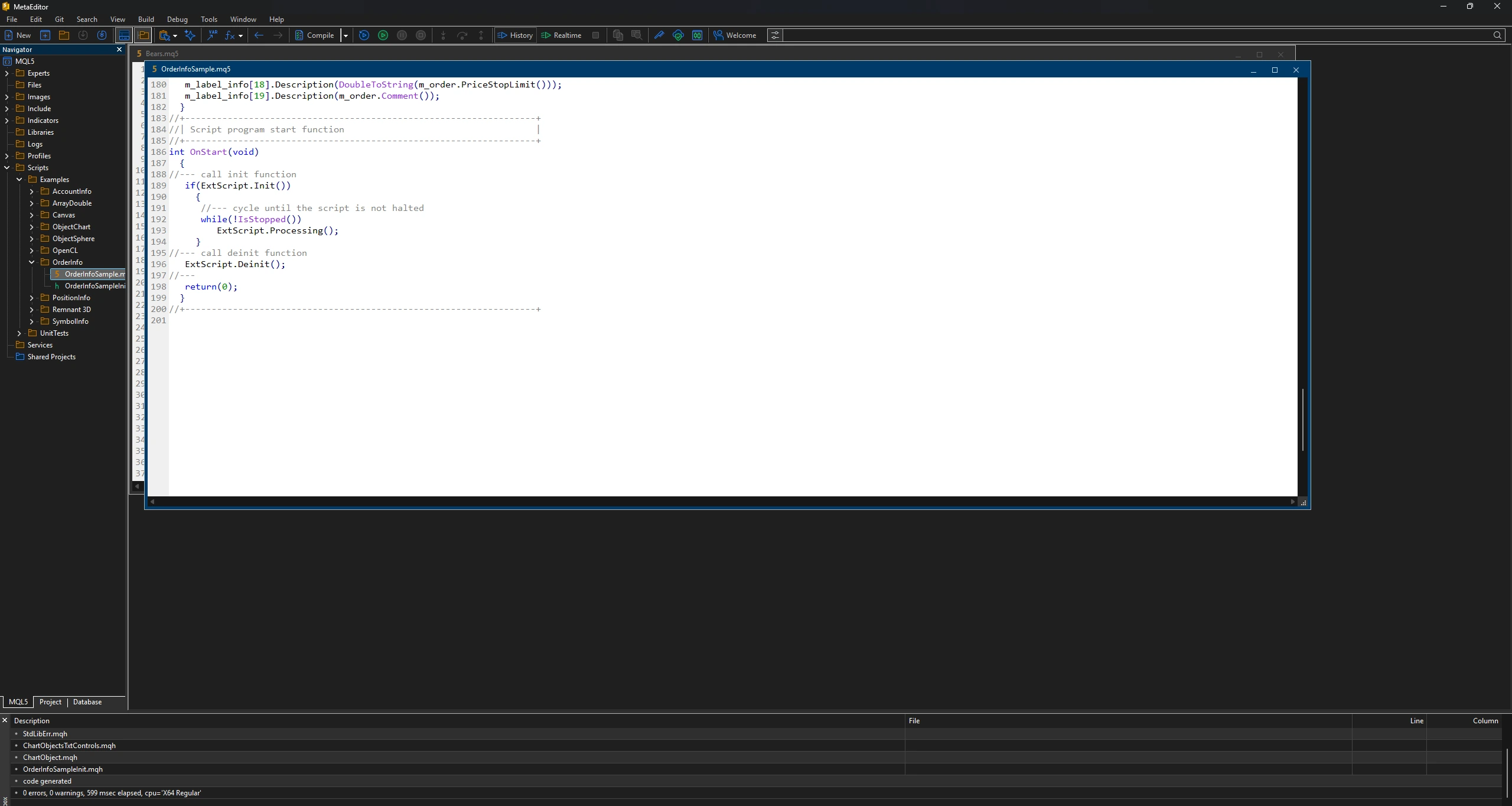
Three weeks later, a working version finally emerged. MQL5 handles position management completely differently. MT4's OrderSend() became a combination of CTrade methods. Price history access changed. Event handling changed. 280 lines became 340 lines.
Was the Migration Worth It?
The backtesting speed was. Same strategy, same pair, same date range:
| Platform | Backtest Duration |
|---|---|
| MT4 Strategy Tester | 2 hours 47 minutes |
| MT5 Strategy Tester | 23 minutes |
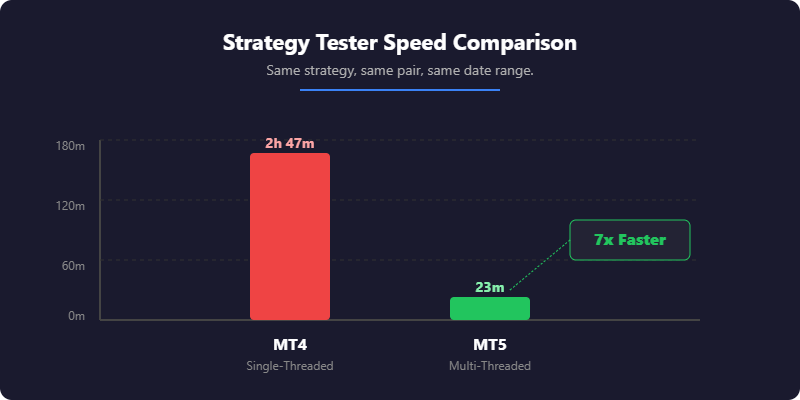
MT5 uses multiple CPU cores; MT4 runs single-threaded. When you're optimising across 500 parameter combinations, that 7x speedup means finishing in a day instead of a week.
Development now happens exclusively in MT5. But for traders who don't care about strategy development — those who just trade manually — the migration would've been pointless.
When Should You Choose MT4?
MT4 works best for traders who value stability and existing resources over new features. It's not outdated — it's mature.
Massive Resource Library
Twenty years of accumulated EAs, indicators, and scripts. Whatever you need, someone's probably built it. Forums like Forex Factory and MQL5.com have thousands of free tools. Need a session highlighter? You'll find six different versions within an hour.
Simpler Architecture
Fewer menus, fewer options. Does forex trading and does it well. The 32-bit, single-threaded design runs smoothly even on older laptops. A 2015 ThinkPad runs MT4 perfectly.
Battle-Tested Stability
The codebase hasn't changed dramatically in years. Bugs were fixed long ago. It just works. MT4 can run continuously on a VPS for eight months without a restart.
The Downsides
Slower backtesting due to single-threaded Strategy Tester — complex optimisations take hours or days. Forex-focused architecture means CFDs on stocks and futures feel bolted-on with no native exchange connectivity. MQL4 works but feels dated compared to MQL5 — less structured and harder to maintain for complex code.
Best For
Traders with existing MT4 tools they depend on, manual traders who don't need development features, anyone who values "if it works, don't fix it", and traders using spread betting through IG or similar setups.
Limitations
Nine timeframes only. Four order types. No built-in economic calendar. No Depth of Market beyond basic display. Can't trade exchange-listed stocks or futures directly.
When Should You Choose MT5?
MT5 suits traders building systems, wanting multi-asset access, or starting fresh without legacy tools to migrate.
Fast Backtesting
Multi-threaded Strategy Tester uses all your CPU cores. What takes hours on MT4 takes minutes on MT5. For strategy developers iterating on parameters, this alone justifies the switch.

Multi-Asset Architecture
Connects to centralised exchanges. Trade actual stocks with real ownership, futures contracts, options alongside forex — not just synthetic CFDs. Testing a strategy on S&P futures? MT5 handles it natively.
Modern Language
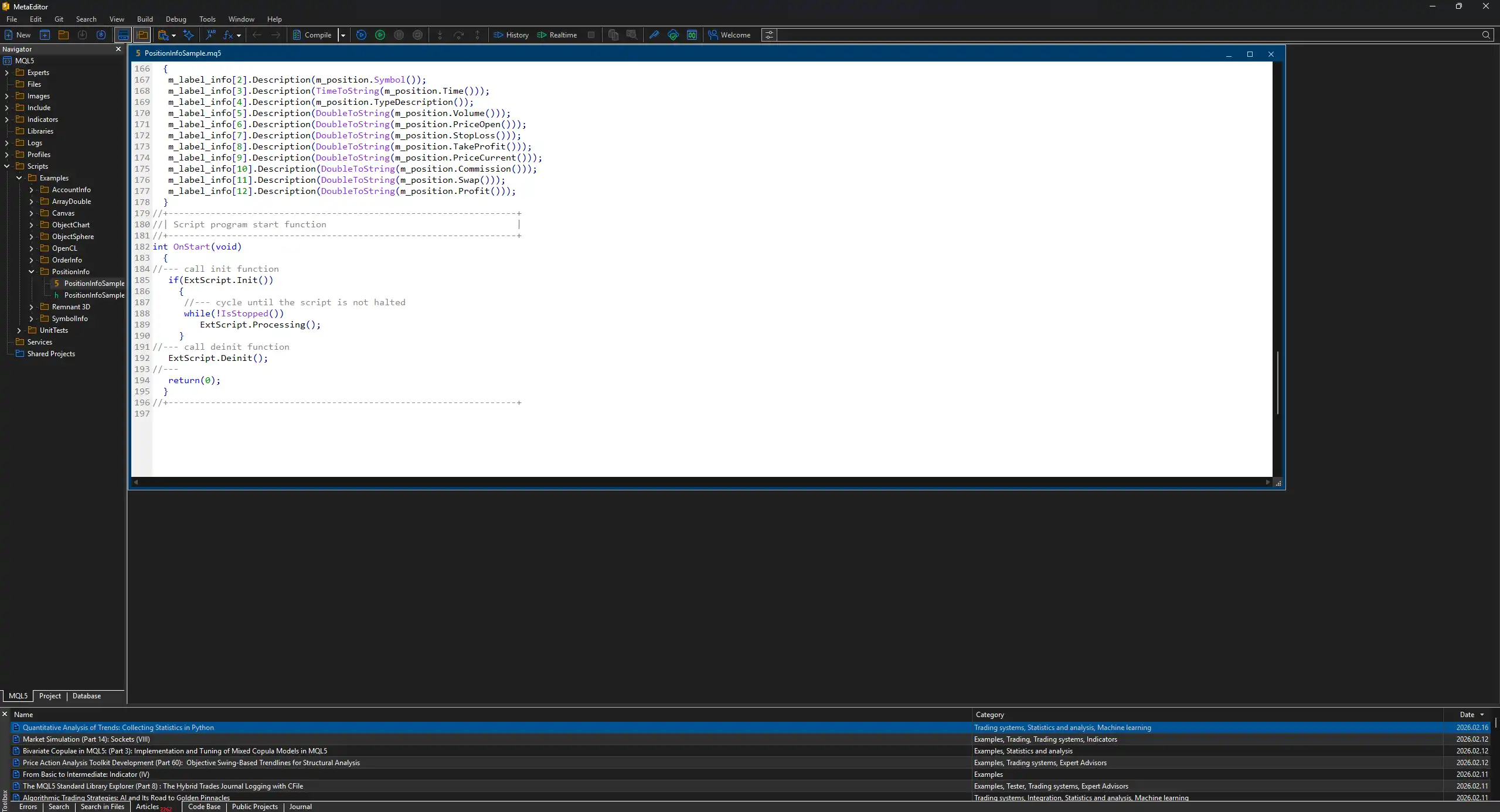
MQL5 is object-oriented, better documented, cleaner to maintain. The mql5.com documentation is excellent — proper examples, community discussion on every function. Learning MQL5 after MQL4 feels like upgrading from a flip phone.
More Features Out of the Box
21 timeframes instead of 9. 38 built-in indicators instead of 30. Six order types including stop limits for more precise entries. Built-in economic calendar so you don't need third-party plugins. Full Depth of Market display showing actual order book data.
The Downsides
Smaller resource library — fewer free EAs and indicators than MT4. The community is growing but hasn't caught up. No backwards compatibility means your MT4 tools won't work; migration means rebuilding or replacing everything. And if you just buy and sell EUR/USD manually, the extra features add complexity without benefit.
Best For
Strategy developers and backtesting-heavy traders, traders wanting stocks, futures, or options from one platform, anyone starting fresh with no existing MT4 tools, and traders planning to build and maintain automated systems.
Limitations
Smaller community means less free code available. Some brokers still don't offer MT5 to UK retail clients. Migration from MT4 requires significant time or money.
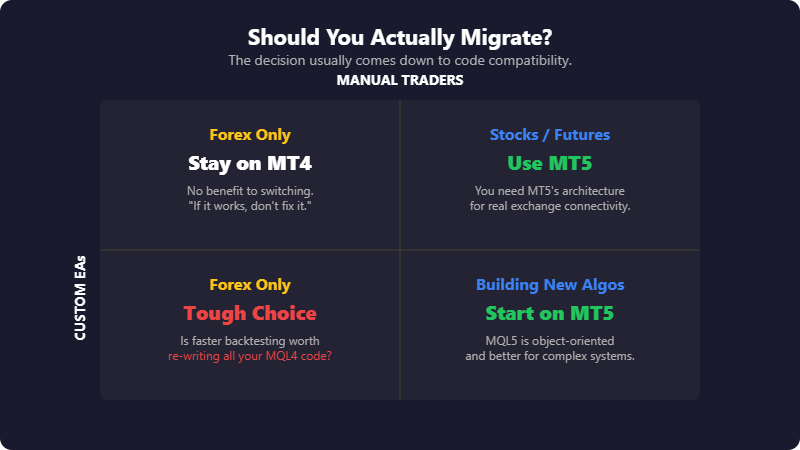
Why Does EA Compatibility Matter So Much?
Because it's the migration cost nobody mentions upfront.
The Languages Look Similar But Aren't Compatible
MQL4 and MQL5 share C-like syntax. They look alike at a glance. You can't run MT4 code on MT5. Can't copy-paste and fix a few errors. Starting automating in 2017 meant collecting about 15 custom indicators — ATR stop calculators, multi-timeframe filters, session highlighters. All MQL4.
What Migration Actually Looks Like
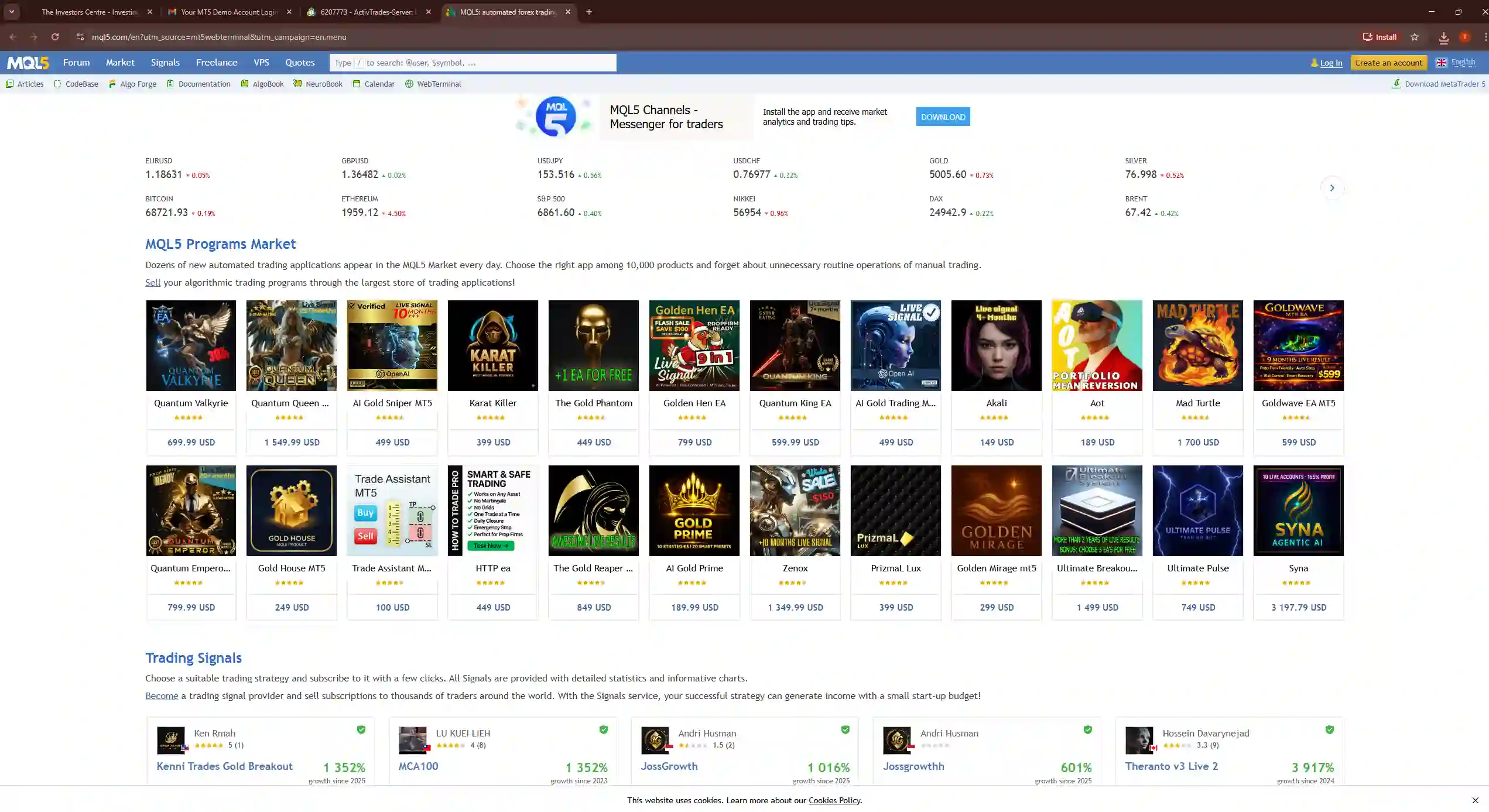
Moving to MT5 meant auditing each tool: three had native MT5 equivalents already written, one cost £180 to convert via MQL5.com freelancers, one was rewritten over two evenings, and ten were abandoned as non-critical.
If you've spent years collecting MT4 tools, this matters. Migration isn't installing new software. It's rebuilding from scratch.
Conversion Costs
MQL5.com's freelance section has conversion specialists. Simple indicator: £50–80. Complex EA with multiple conditions: £200–400. Get quotes before assuming your setup transfers easily.
Do Extra Timeframes and Order Types Matter?
Timeframes: Rarely Important
MT4 gives you 9 (M1, M5, M15, M30, H1, H4, D1, W1, MN). MT5 gives you 21. Sounds like MT5 wins obviously. In practice, M2 or H8 rarely matter for anything meaningful. M15 and H4 cover most approaches. The traders who obsess over timeframe granularity usually have deeper strategy problems.
Order Types: Occasionally Useful
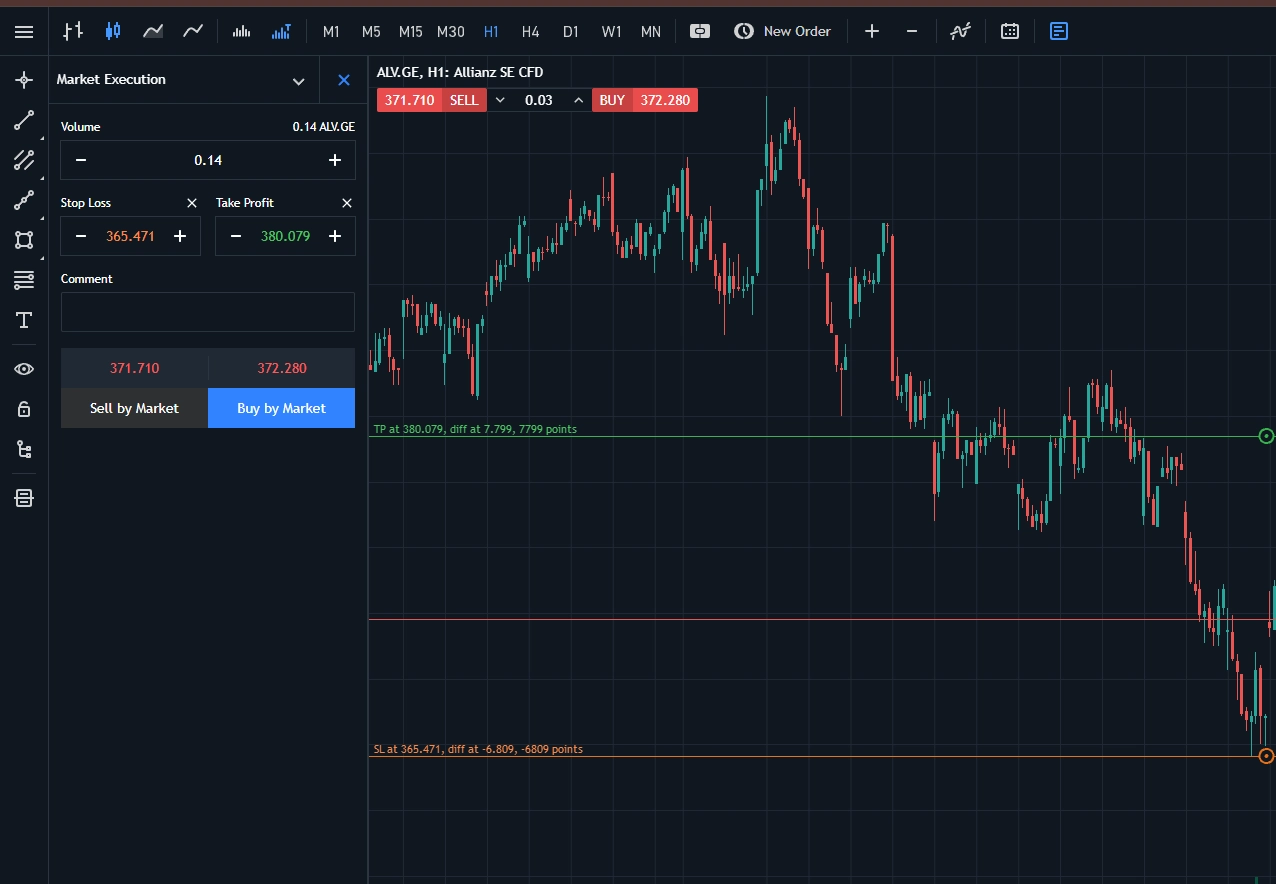
MT4 has four pending orders. MT5 adds buy stop limit and sell stop limit — letting you set both trigger and fill prices.
Example: GBP/USD at 1.2500. You want to buy a break above 1.2550, but won't pay more than 1.2560. MT4 gives you whatever price the market offers. MT5 lets you set that 1.2560 ceiling.
Stop limit orders come in handy maybe five times in four years. Useful during news events. Irrelevant for normal trading.
Can MT5 Actually Hedge?
Yes. Has done since April 2016. This is probably the most persistent myth in forex trading forums.
Why This Myth Persists
MT5 launched with netting only — same-direction positions merged automatically. If you bought 1 lot EUR/USD then bought another 0.5 lots, you'd have one 1.5 lot position. Forex traders hated it because hedging (holding long and short simultaneously) is standard practice for locking partial profits or managing news events.
MetaQuotes added hedging in build 1325. That was nine years ago.

The Current Reality
Every FCA broker defaults MT5 to hedging mode. You'd have to specifically request netting, and nobody does. If someone warns you MT5 can't hedge, they're repeating information from 2014. Check for yourself — open a demo and place opposing positions.
What About Mac and Mobile?
Mobile Apps
Both exist on iOS and Android. Both work for checking positions and manual trades. Neither runs EAs — automated strategies need desktop or a VPS. MT5's app has the economic calendar built in. Otherwise they're similar enough that mobile shouldn't drive your decision.
Mac Support
Neither runs natively on macOS. MetaQuotes offers a Wine wrapper that mostly works. Stability depends on your macOS version.
The VPS Solution
For running EAs reliably, most traders use a Windows VPS anyway. Costs £10–20 monthly, solves the Mac problem, keeps strategies running when your laptop sleeps. Pepperstone offers free VPS if you trade enough volume.
Is MT4 Being Phased Out?
MetaQuotes stopped selling new licences to brokers in 2018. Existing licences continue indefinitely.
What This Actually Means
Every UK broker still supports MT4 with full updates. Given how much institutional infrastructure runs on MT4, discontinuation would strand thousands. Expect it to remain viable for another decade minimum.
"MT5 is newer" isn't a reason to switch something that works. Migrate when you have a specific problem MT5 solves.
Final Verdict
The platform matters less than most articles suggest. Both MT4 and MT5 execute trades, display charts, and run automated strategies. Your edge comes from your strategy, risk management, and discipline — not from which MetaQuotes software you're using.
Choose MT4 if you have existing tools you depend on, trade forex manually, or value proven stability. Choose MT5 if you're developing strategies, want multi-asset access, or starting fresh without legacy code to migrate.
If you're genuinely unsure, download both on demo accounts. The interface differences take an hour to learn. The EA compatibility question — whether your tools work — is what actually decides it.